Features
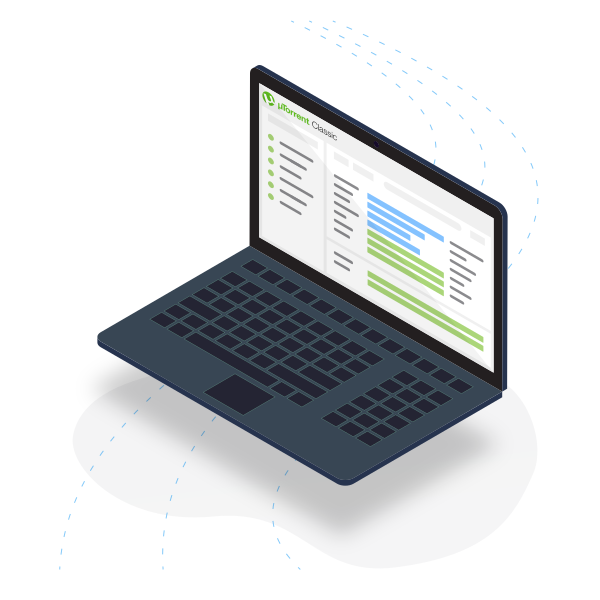
µTorrent Classic Torrent Client Features.

Download torrents in bulk
µTorrent Classic enables simultaneous torrent downloads that you can manage in a single location.
Optimize your bandwidth
µTorrent Classic auto-adjusts bandwidth usage, based on your network and internet connection, to ensure fast downloads.
Schedule your downloads
Set the day and time for your torrent downloads to start, stop or seed.
Remotely connect to µTorrent Classic
Add torrents to µTorrent Classic remotely from a web browser on any device.
Premium
Go Pro for Added Security and No Distractions.
Learn more about our premium products: µTorrent Web | µTorrent Classic
*Available in µTorrent Classic only.
Mobile
Learn more About our Mobile Torrent Application.

µTorrent Android
Get the #1 torrent downloader on Google Play with over 100 million downloads. µTorrent Android helps you download torrent files or magnet links from your Android smartphone or tablet. Enjoy a simplified torrent download experience with no speed or size limits!
- Download torrents and magnet links
- Choose your file download location
- Fast, light and powerful